Whether you need Chegg for just one semester or are trimming monthly costs, canceling your Chegg subscription is easier than you might think—once you know where to click. This step-by-step guide walks you through every cancellation path and answers the questions students care about most, including “Will I lose my saved notes, flashcards, or textbook solutions after I cancel?”
Step-by-Step: How to Cancel Chegg Subscription
🔹 1. Identify Where You Subscribed
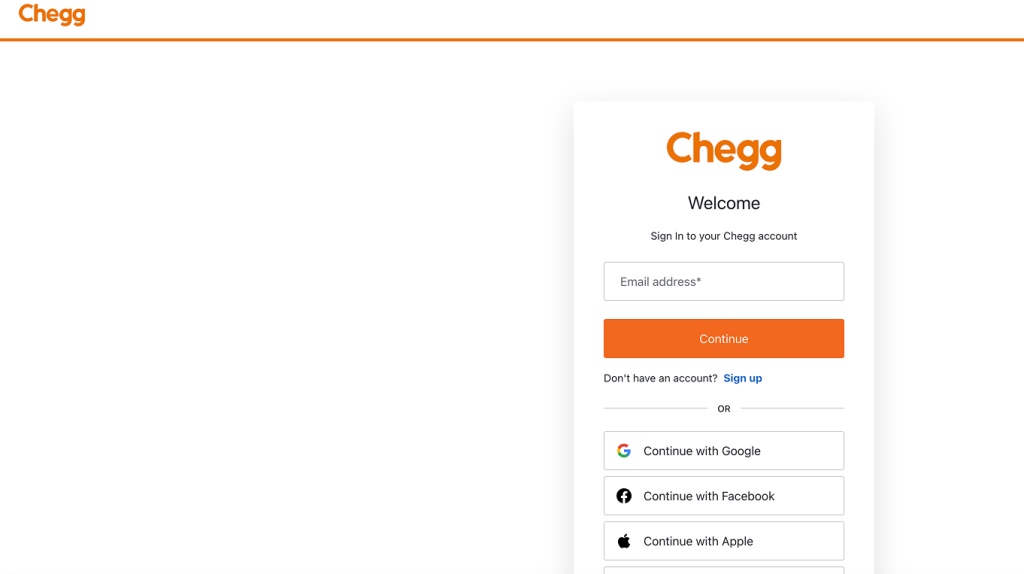
Chegg subscriptions can be managed directly on Chegg.com, iTunes/App Store, or Google Play. Your cancellation route depends on where you were first billed.
🔹 2. Cancelling on Chegg.com (Most Users)
- Log in at chegg.com on a desktop browser.
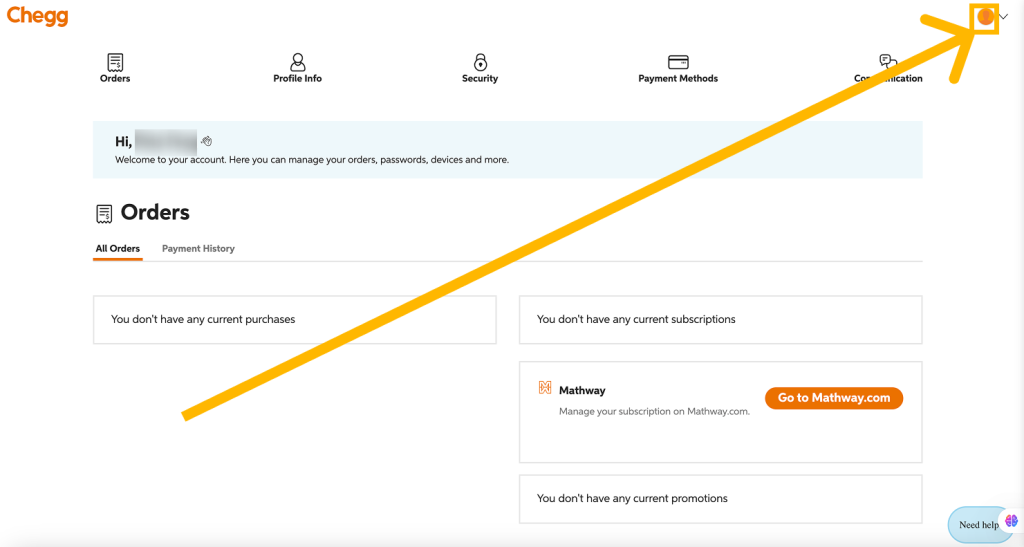
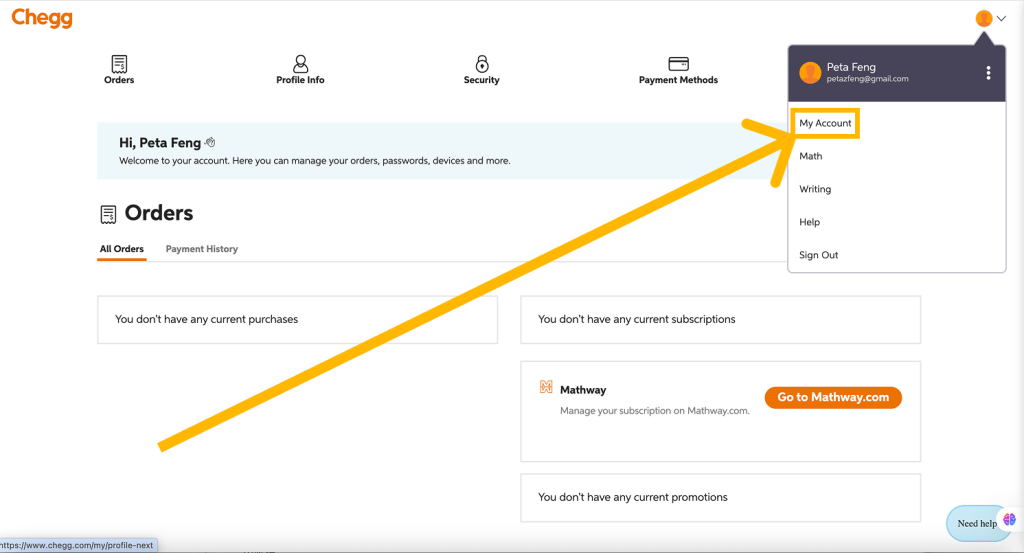
- Click your profile avatar (upper-right) → My Account.
- In Subscriptions, locate Chegg Study / Chegg Plus / Writing.
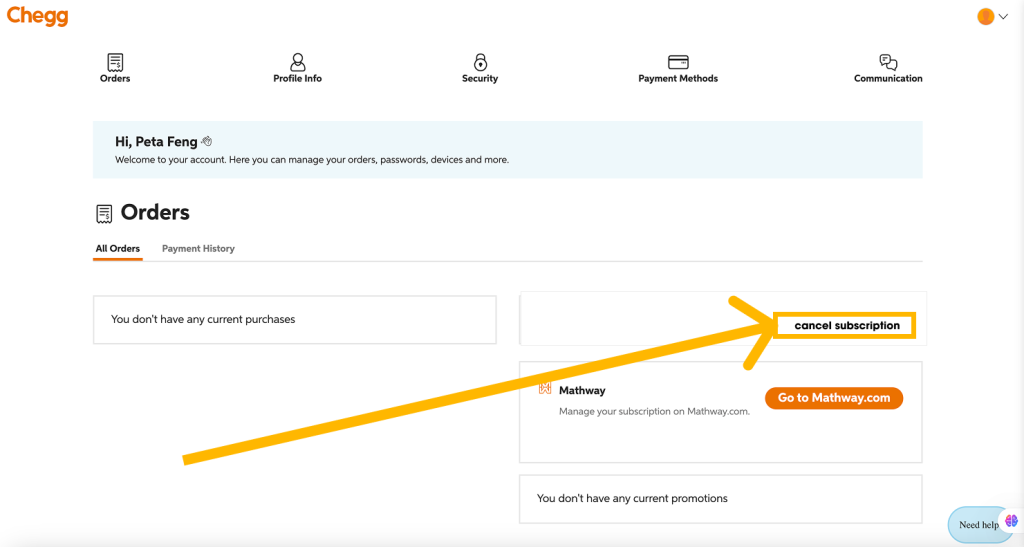
- Select Cancel Subscription.
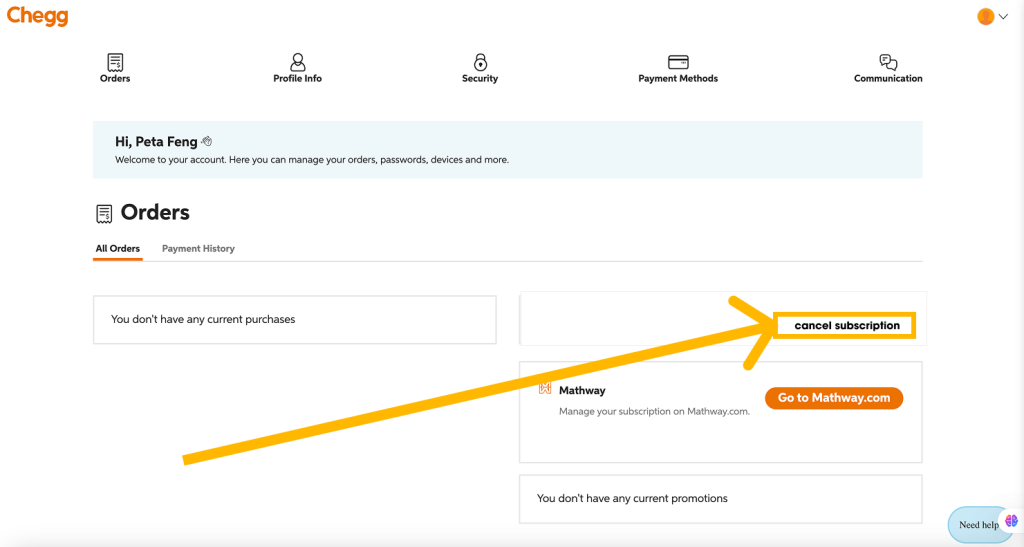
- Confirm on the next screen and keep the confirmation email.
⏰ Tip: Cancel at least 24 hours before renewal; Chegg does not offer prorated refunds.
🔹 3. Cancelling via iOS (Apple ID)
- Open Settings › Apple ID › Subscriptions.
- Tap Chegg → Cancel Subscription → Confirm.
🔹 4. Cancelling via Android (Google Play)
- Open the Play Store app › tap your profile icon.
- Select Payments & Subscriptions › Subscriptions.
- Choose Chegg › Cancel › Confirm.
What Happens to My Chegg Content After Cancellation?
| Asset Type | Access Before End of Billing | Access After Billing Ends |
|---|---|---|
| Textbook Solutions & Expert Q & A | ✅ Full access | ❌ Locked (paywall) |
| Saved Answers / Bookmarks | ✅ Visible | 🚫 Hidden until you resubscribe |
| Flashcards & Study Packs | ✅ Editable | ❌ View-only disabled |
| Uploaded Papers (Chegg Writing) | ✅ Downloadable | ✅ Stored in your Chegg Drive, but editing tools disabled |
Can I Export or Back Up My Content?
Chegg does not provide a bulk-export feature. If you need specific solutions or notes offline, copy or download them before the end of your billing cycle.
FAQs
Q 1: Will I be charged instantly when I cancel?
A: No. You keep premium access until the current billing period ends, then the plan stops.
Q 2: Can I pause instead of cancel?
A: Chegg currently offers only full cancellation; you must resubscribe later.
Q 3: Do free trials end immediately upon cancel?
A: Yes—if you cancel during a 7-day free trial, access ends at once.
Final Thoughts
Cancelling Chegg is quick, but remember: all premium study material locks the moment your paid cycle ends. Back up critical notes in advance to avoid last-minute scrambles. Tired of juggling renewal dates?
CancelMySub.app tracks every subscription—Chegg, Adobe, Fubo, and more—automatically detects your bill, and links you straight to each cancellation screen.